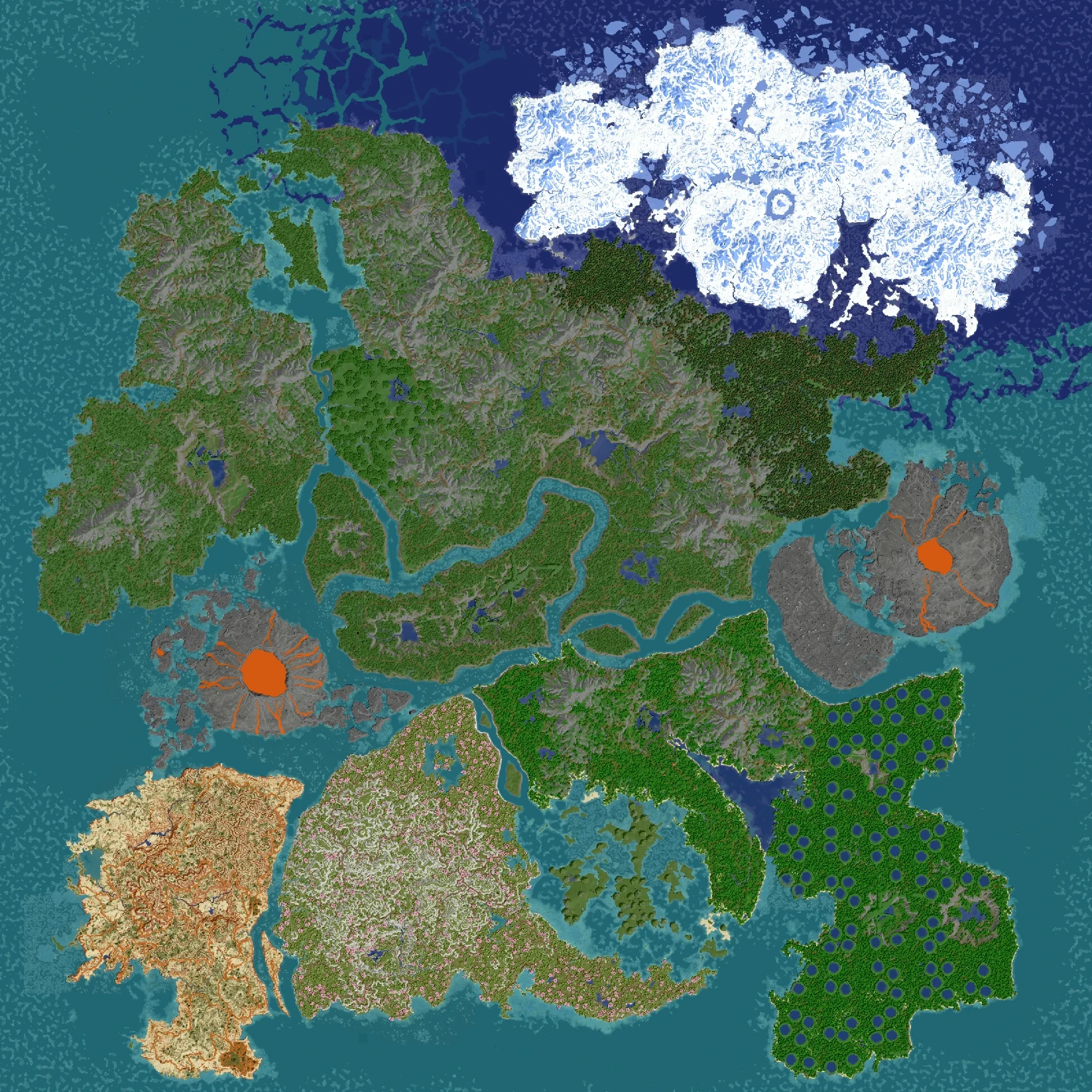
You can now fly around CardyCraft maps in your browser before you download them. All 23 worlds in the store have an interactive 3D view, from the ARK remakes to Fantalia, Cyldoria and Kyotopia.
I've wanted this for a long time. Screenshots only show a few nice spots, but a map is a whole world: how big the islands are, where the mountains and rivers run, how the biomes fit together. Now you can see all of that for yourself before you pick one.
Where to find it
- On every map page there's a new Explore in 3D section. Press it and the world loads right there on the page, or open it full screen.
- In the store, open any map and press View in 3D.
- Or jump straight in: Clarintia in 3D and Cardelia in 3D.
Netherite maps in full detail
The Netherite maps, Clarintia and Cardelia, are in full detail: fly over the whole world, then zoom all the way down and see the individual blocks, trees and cliffs. The other maps show the whole world from above, so you can see the layout, the biomes and the size at a glance.
How to move around
- Drag to move over the map.
- Right-drag to turn and tilt the camera.
- Scroll to zoom in and out.
- On a phone: drag with one finger, pinch with two to zoom and turn.
Tip: zoom out all the way first. Seeing the whole map from above is the fastest way to find the part you want to explore.
What's next
Every new map gets its 3D view automatically when it's added to the store, so from now on you can always look before you download. Let me know on Discord what you think, and which map you explored first.